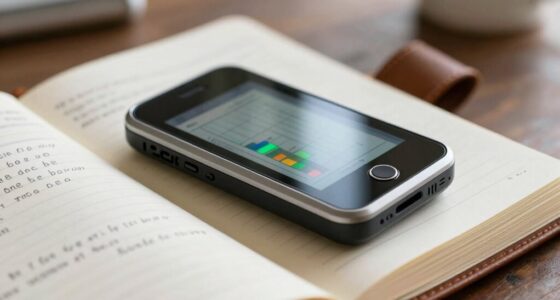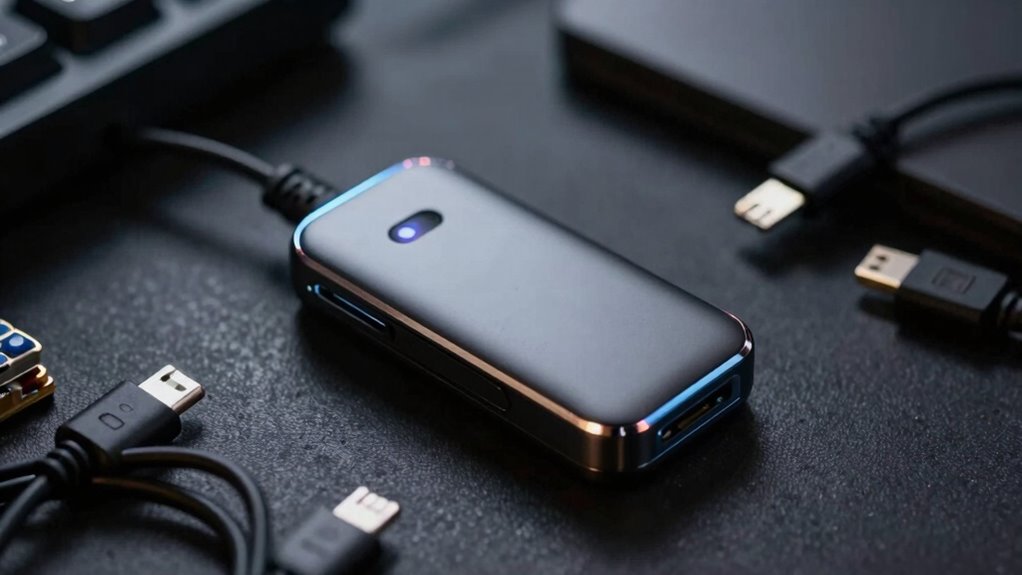

Your tracking device’s battery drains quickly mainly because it constantly uses GPS, background updates, and sensors, which all consume a lot of power. Extreme temperatures and high-energy features like live tracking make it worse. If you don’t turn off unnecessary functions or optimize settings, the battery will deplete faster. To get more useful tips and solutions, keep exploring how device maintenance and usage habits can extend your battery life.
Key Takeaways
- Continuous GPS tracking and live updates consume high energy, rapidly draining the battery.
- Using high-precision location modes increases power use compared to less demanding settings.
- Environmental factors like extreme temperatures accelerate battery degradation and reduce lifespan.
- Older device batteries naturally lose capacity, leading to faster power drain over time.
- Poor device maintenance, outdated firmware, or unnecessary features can increase energy consumption.
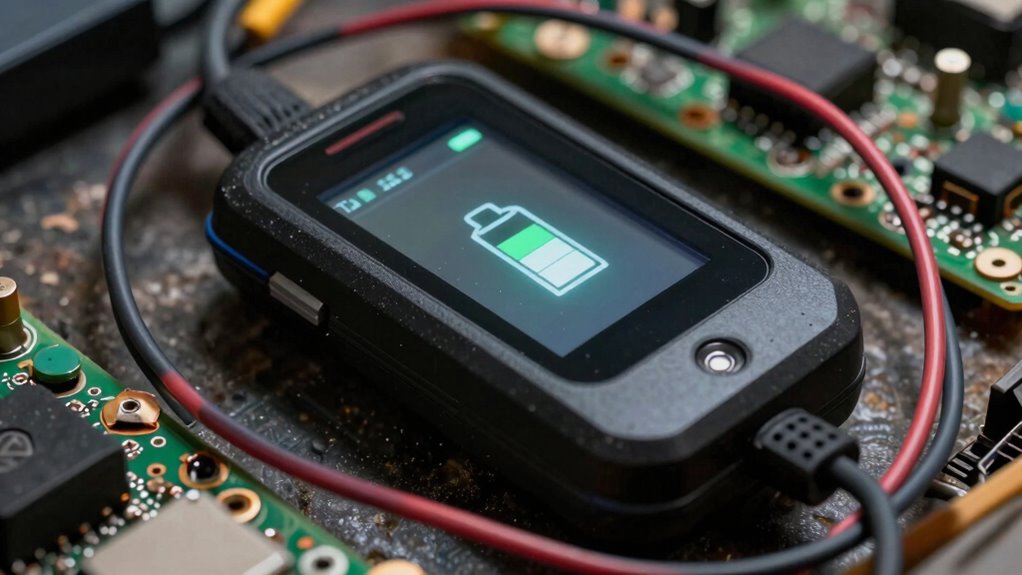
Tracking devices are invaluable tools for monitoring assets, pets, or loved ones, but their effectiveness depends heavily on battery life. When your device’s battery drops quickly, it can be frustrating and even dangerous if you’re relying on it for safety or security. Many users notice that their tracking device’s battery depletes faster than expected, especially after a few months of use. The main reason often comes down to how the device manages power consumption and whether you’ve optimized its settings properly.
One key factor is battery optimization. Most tracking devices come with settings designed to conserve power, but it’s up to you to enable and fine-tune them. For example, reducing the frequency of location updates can considerably extend battery life. Instead of continuous tracking, opt for periodic updates—say, every 15 or 30 minutes—so your device isn’t constantly working. Additionally, turning off features like Wi-Fi, Bluetooth, or unnecessary sensors when they’re not needed can help conserve energy. Some devices even have low-power modes; activating these can make a noticeable difference.
Power consumption strategies are essential to prolong your device’s battery life, especially if you want it to last longer between charges. Avoid settings that force the device to use high-energy functions constantly. Live tracking, real-time updates, or high-accuracy GPS modes consume more battery, so consider switching to less demanding options when real-time data isn’t critical. Also, pay attention to environmental factors—extreme temperatures can drain batteries more rapidly, so keep your device in a moderate climate whenever possible. Proper battery management can significantly impact overall device longevity. Regularly monitoring your device’s battery health can help you identify when it’s time for maintenance or replacement. Being aware of power consumption patterns can help you troubleshoot issues more effectively. Additionally, some devices include features that alert you when the battery is low, allowing you to take timely action to prevent unexpected shutdowns.
Another common mistake is neglecting regular maintenance. Batteries naturally degrade over time, reducing their capacity to hold a charge. If your device is older, it might be worthwhile to replace the battery or upgrade to a newer model with better energy efficiency. Proper battery maintenance can help extend the lifespan of your device and prevent unexpected failures. Additionally, keeping your device updated with the latest firmware can improve battery management, as manufacturers often release updates that optimize power consumption.
Finally, be mindful of how you store your tracking device when not in use. Leaving it turned on or in a high-power mode unnecessarily can lead to faster battery drain. If you don’t need real-time updates all the time, turn the device off or switch it to a low-power state until you need it again. By applying these battery optimization tips and power consumption strategies, you can stretch your device’s battery life, ensuring it remains functional and reliable when you need it most.

GPS Tracker for Vehicles,2 Year Battery Life,GPS Tracker,2pcs Hidden Magnetic case,Trackers for Tracking Vehicle,2pcs GPS Tracker,Ultra-Slim,No Monthly Fee for Android and iPhone
📱 Global Cloud Positioning – Works with both Google's Find Hub and Apple Find My (Not for Huawei)
As an affiliate, we earn on qualifying purchases.
As an affiliate, we earn on qualifying purchases.
Frequently Asked Questions
How Do Weather Conditions Affect Tracking Device Battery Life?
Weather impact can considerably shorten your tracking device’s battery life. Cold temperatures cause battery degradation, making them less efficient and draining faster. Conversely, extreme heat can also strain the battery, leading to quicker power loss. You should protect your device from harsh weather to maintain ideal performance. By avoiding severe weather exposure, you help prevent battery degradation, ensuring your tracking device stays functional longer and provides consistent tracking.
Can Software Updates Improve Battery Longevity on Tracking Devices?
Your tracking device’s software updates are like a fresh coat of paint, breathing new life into its battery. They can improve longevity through battery calibration, ensuring accurate power readings, and power optimization, reducing unnecessary energy drain. Regular updates keep your device running smoothly, extending battery life and preventing rapid drops. So, stay current with software updates to facilitate better performance and longer-lasting power for your tracking device.
Do Different Tracking Device Brands Have Varying Battery Life?
Yes, different tracking device brands have varying battery life because of differences in battery capacity and power efficiency. Some brands prioritize larger batteries for longer use, while others optimize software and hardware to conserve power. You’ll notice that devices with higher battery capacity and better power efficiency tend to last longer between charges. When choosing a device, consider these factors to guarantee it meets your usage needs without frequent recharging.
How Does User Activity Impact the Device’s Battery Drain?
Your user behavior directly impacts the device’s battery drain. Frequent movement, constant data syncing, and frequent updates increase power consumption, making the battery drain faster. To conserve battery life, you should limit unnecessary activity, turn off features when not needed, and manage settings efficiently. By practicing good battery conservation habits, you help extend your device’s operational time, ensuring it lasts longer between charges during your activities.
Are There Hidden Features Consuming Extra Battery on Tracking Devices?
They say “what you don’t see can hurt you,” and that’s true for tracking devices too. Hidden power drains often come from unseen features like background syncing, GPS updates, or push notifications that run constantly. These unseen features consume extra battery without your knowledge. To extend your device’s life, disable unnecessary background activities and review app permissions regularly to prevent hidden power drains.
GPS Tracker for Vehicles,2 Year Battery Life,GPS Tracker,2pcs Hidden Magnetic case,Trackers for Tracking Vehicle,2pcs GPS Tracker,Ultra-Slim,No Monthly Fee for Android and iPhone
📱 Global Cloud Positioning – Works with both Google's Find Hub and Apple Find My (Not for Huawei)
As an affiliate, we earn on qualifying purchases.
As an affiliate, we earn on qualifying purchases.
Conclusion
Understanding why your tracking device’s battery drains quickly can feel like trying to hold onto a fleeting shadow. Remember, factors like frequent updates, signal strength, and device settings are the winds that speed up the fade. By managing these elements wisely, you can extend your device’s life and keep your peace of mind intact. Think of it as tending to a delicate flame—nurture it carefully, and it’ll burn brighter for longer.

2-in-1 GPS Tracker for Cats: Smart Pet Collar with Real-Time Tracking,No Monthly Fee/Subscription (iOS & Android) Waterproof, Anti-Lost,365-Day Long Battery Life GPS Tracker Cat Collar (Black)
🐱⚫Smart Activity Pet Tracker Collar: The BONSO 2-in-1Pet Collar features an advanced tracker to monitor your pet's activity….
As an affiliate, we earn on qualifying purchases.
As an affiliate, we earn on qualifying purchases.

Trak-4 GPS Tracker for Vehicles, Assets, Equipment. Long Battery Life, Waterproof, Global Tracking. Low-Cost Subscription Required.
The Trak4 USB Rechargeable Tracker is built to be waterproof and durable. Its robust internal LIPO battery provides…
As an affiliate, we earn on qualifying purchases.
As an affiliate, we earn on qualifying purchases.